
The ChatGPT journal that saves, summarizes, and remembers for you
A ChatGPT journal is a saved, searchable record of the conversations worth keeping, since ChatGPT's own history has no tags and little structure. NoteitHub connects to ChatGPT as an app: say save this, and it writes a journal entry with a short summary and automatic tags you can find weeks later.
You have moments in ChatGPT where something finally clicks: the explanation that makes sense, the plan you want to follow, the decision you don’t want to forget. Then life moves on — and that valuable chat disappears into a sea of threads.
NoteitHub gives you auto-journaling for ChatGPT. You say “save this” and it bookmarks the conversation, writes a clean summary, and auto-categorizes it with smart tags. Weeks later, your important chats are still there — organized, searchable, and ready to continue.
Best for people who use ChatGPT daily and don’t want their best insights to disappear.
From forgotten threads → a personal journal you can continue
A journal entry should be scannable: what happened, what matters, and what you should do next. NoteitHub keeps your saved chats organized by topic so nothing valuable gets lost.
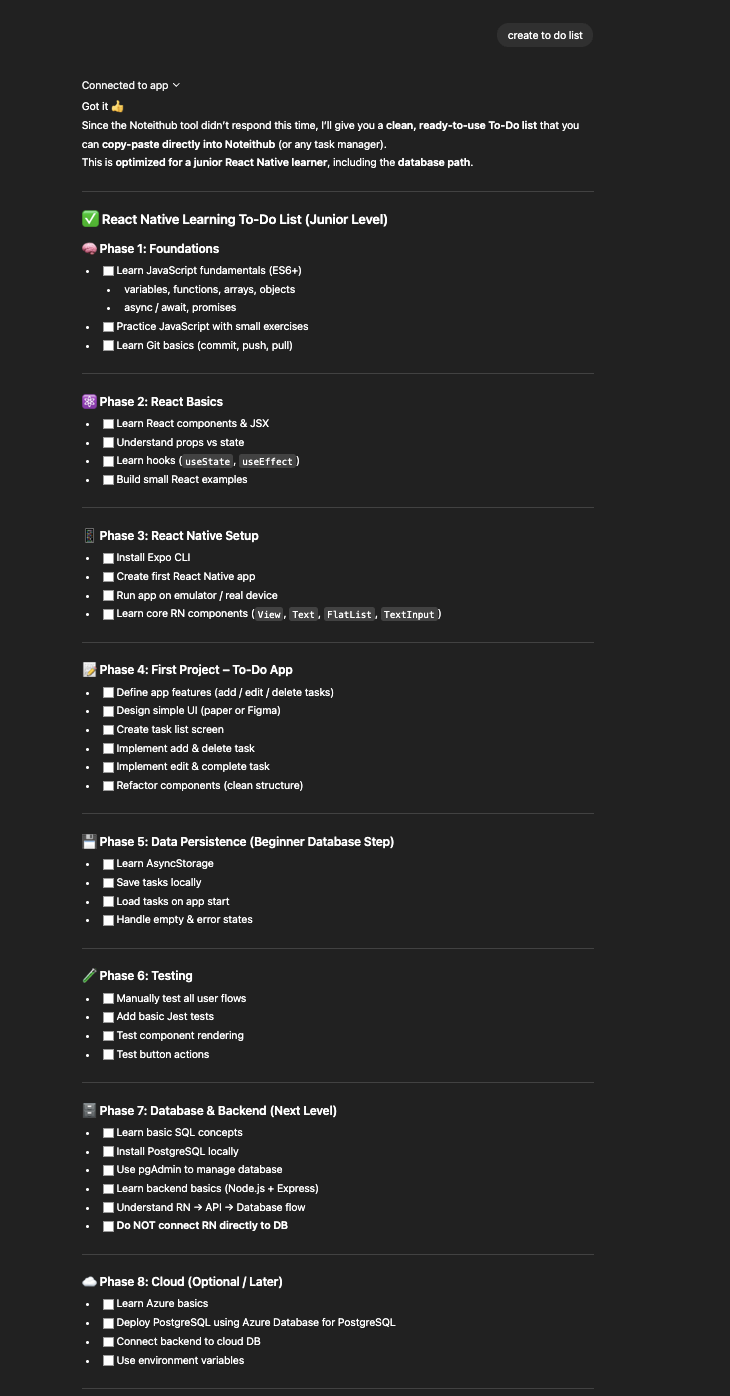
Before
Important chats are mixed with everything else. Finding the right thread later is painful.
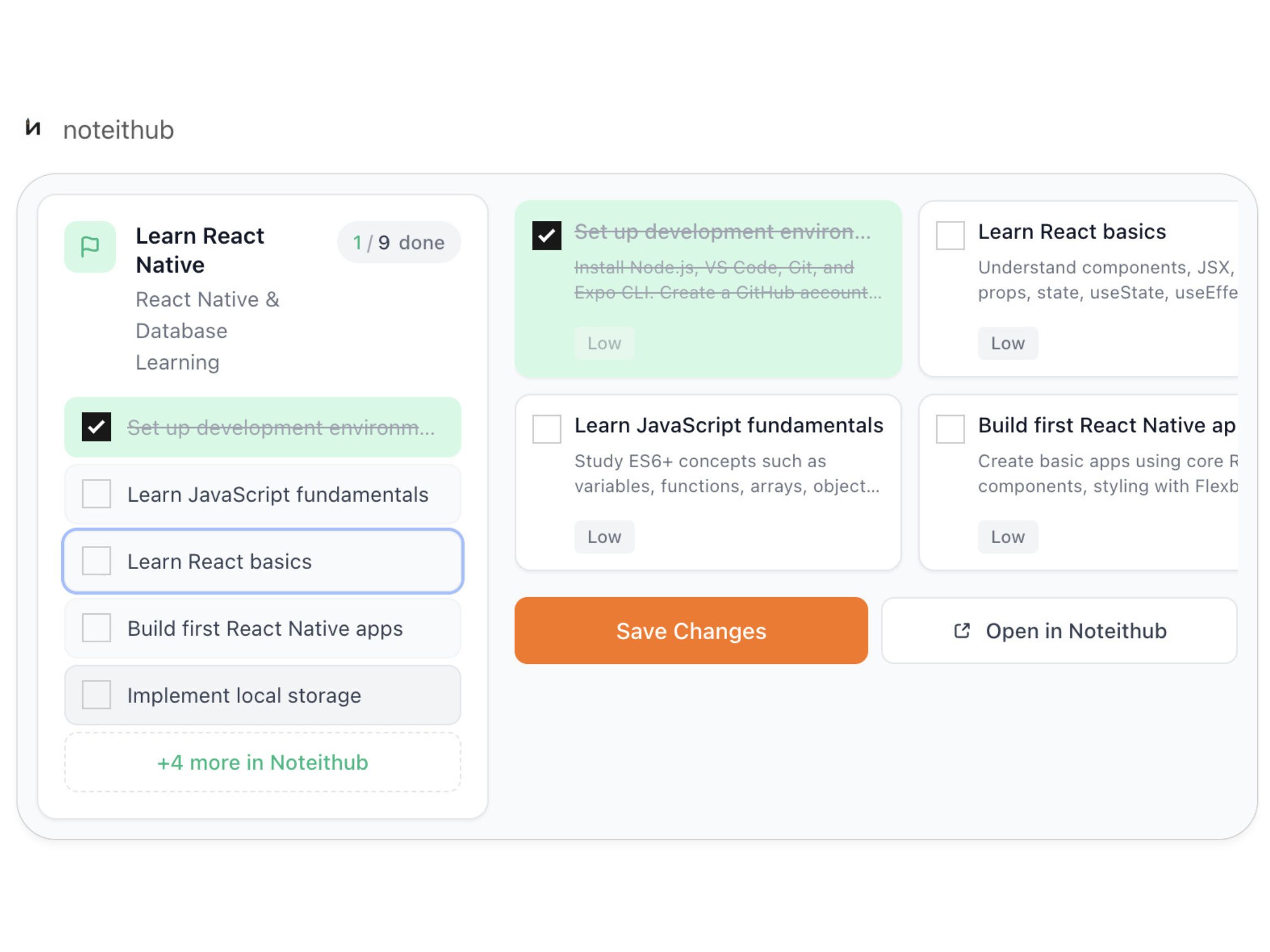
After
A saved entry with a summary, smart tags, and a clear next step — ready to continue later.
How auto-journaling works in ChatGPT
Auto-journaling should be effortless. If saving takes effort, people won’t do it — and the knowledge still gets lost. NoteitHub is designed around one simple trigger: when a chat matters, you save it.
- 1) Say “save this”. You bookmark the conversation at the moment it becomes valuable — no copying, no messy notes.
- 2) Get a clean summary. NoteitHub writes a short summary so you can scan later without re-reading the whole thread.
- 3) Auto-categorize with smart tags. Entries are grouped by topic (study, fitness, planning, debugging, marketing) so your journal stays organized.
- 4) Continue later without restarting. When you come back weeks later, your context is still there — and you can continue the same topic.
- 5) Get reminders if a topic goes quiet. If you stop talking about a topic for a while, NoteitHub can surface it again so goals don’t disappear.
Why a ChatGPT journal beats “searching old chats”
Chat history is not a knowledge base. You can’t easily tell which conversations mattered, which ones led to decisions, or which ones you planned to act on. That’s why people keep having the same conversations again and again — rebuilding context every time.
A journal solves that. It separates what matters from what doesn’t, and it keeps it structured: summary, tags, next steps. NoteitHub makes your best chats reusable — so your progress compounds.
If you want execution (not just memory), connect journaling to tasks: ChatGPT To-Do List and ChatGPT Task Manager.
What people use a ChatGPT journal for
These aren’t “notes for the sake of notes.” They’re conversations you want to build on later — the kind that should stay organized and searchable.
Students
Save the explanation that finally made sense. Come back before exams with a summary + next steps.
Founders
Save decisions and strategy context so planning stays consistent across weeks of conversations.
Developers
Save debugging threads and technical decisions so you don’t re-debug the same issue next month.
Marketers
Save campaign strategy and content direction. Turn the best ideas into repeatable workflows.
Personal growth
Save reflective chats and goals. Keep them organized, then revisit when motivation drops.
Operations & support
Save processes, SOP drafts, and answers that should become reusable internal knowledge.
Tomorrow: journals → reminders → long-term memory
The goal isn’t “saving chats.” The goal is building a system where your best thinking doesn’t disappear. Journals create structure. Reminders keep topics alive. Long-term memory turns ChatGPT into something you can genuinely build on over time.
NoteitHub starts with auto-journaling — save, summarize, and tag — then connects that to continuity so when you return later, you pick up where you left off.
If you want a more execution-focused path, pair this with ChatGPT To-Do List and Save ChatGPT conversations.
Frequently asked questions
What is a ChatGPT journal?
It’s an organized way to save important conversations so they don’t disappear into history.NoteitHub turns saved chats into journal entries with summaries and smart tags.
How do I save chats quickly?
You say “save this” when the chat matters. Then NoteitHub bookmarks it, summarizes it, and categorizes it automatically.
Will it remind me later?
Yes. If a topic goes quiet for a while, NoteitHub can surface reminders so your goals don’t disappear.
Can I turn journal entries into tasks?
Yes — saved entries can become a living to-do list with progress and scheduling.
What page should I build next for SEO?
Next cluster pages that connect strongly: ChatGPT Task Manager and ChatGPT Study Plan.